A new way to see your food

Your food.
In a new light.

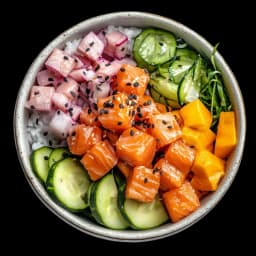
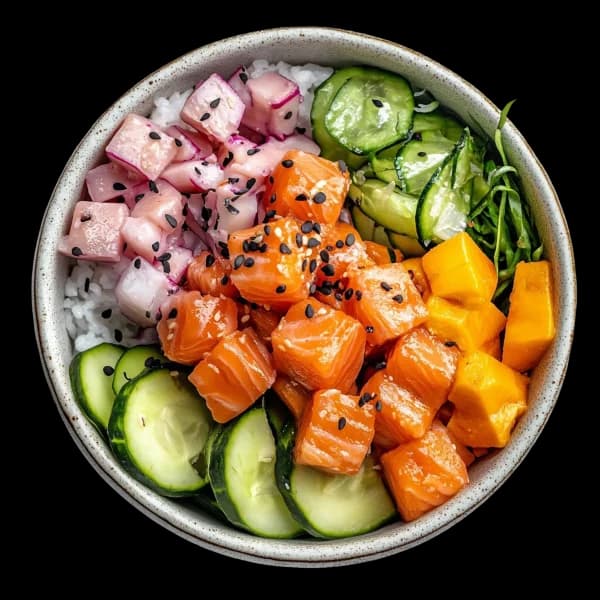
One photo. A calorie and macro estimate. And the freedom to review every detail before you save.

From a photo to what fuels you

Demo · Illustrative estimates

Skip demo

And scanning is only the beginning.

Meet Cal

AI nutrition coach

An AI assistant that uses the context in your diary and goals to provide general information. It does not replace a healthcare professional.

Hover or tap to see Cal react.

What could I have for dinner if I have logged 1,600 kcal?
Based on your diary, an option with protein and vegetables may help you move closer to today's goals.

Cal's wardrobe

Current outfit: Garden fresh

Original is included. Other outfits are earned by completing challenges in the app.

Illustrative preview · How to earn it

Fresh routine

Log at least 1 meal on 8 of 10 days.

Your week, planned

Create menu suggestions around your goals, budget and food preferences.

Consistency with a reward

Progressive challenges that turn daily consistency into momentum.

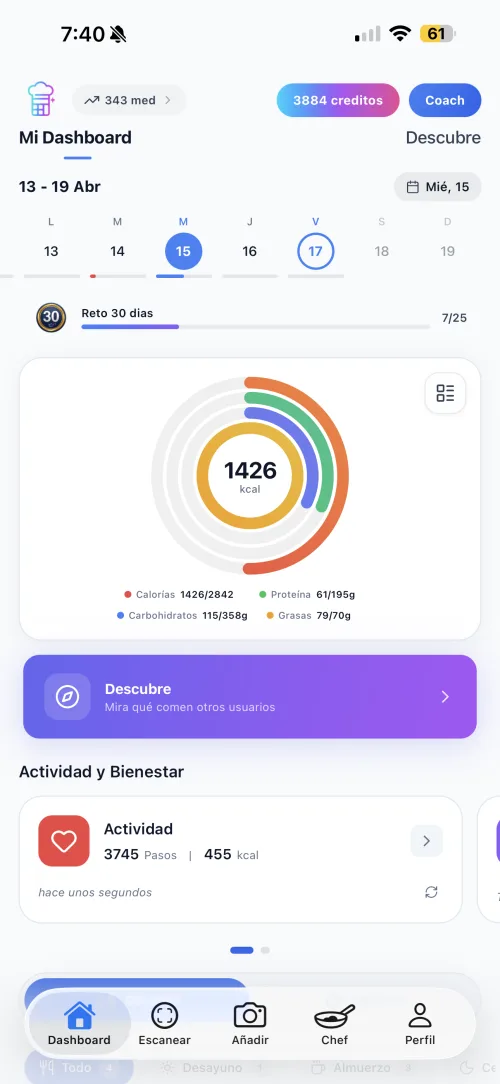
See your progress

Compare your progress and explore how your results could change as you adjust your habits.

For nutrition professionals

Are you a nutritionist?

Follow the records your patients choose to share between appointments.

  1. Invite in seconds

  2. Visible adherence

  3. Meals and macros

View ScanCal for nutritionists
Nutritionist dashboard preview with fictional data for a linked account, weekly adherence and a shared meal.
THE COMMUNITY IS THE PARTNER

You take centre stage.

You do not need perfect days or anyone else's pace. Log what you eat, take on a challenge and celebrate every step your way.

  1. 01

    Log without friction

    One photo starts an estimate you can review and edit.

  2. 02

    Move at your pace

    Challenges turn a big goal into one clear next step.

  3. 03

    Make consistency visible

    Earn medals and unlock new versions of Cal.

Start your journey
YOUR PROGRESS LOOPIN MOTION

ONE PHOTO

An editable estimate

ONE CHALLENGE

A clear next step

StartKeep goingCelebrate

ONE COMMUNITY

Every step counts

Share when you want. Always move forward your way.

FAQ

Calories from a photo, clearly explained

What ScanCal estimates, what you should review and how to get more from each log.

01

How does ScanCal estimate calories from a meal?

Take a photo and AI suggests foods, quantities, calories and macronutrients based on what it can see. You can review and edit the result before saving it.

02

Is an estimate from a photo exact?

No. It is an estimate and can vary with the photo, recipe, portion and hidden ingredients such as oils or sauces. That is why ScanCal shows an editable result before you save it.

03

Is ScanCal free?

The app is free to download and you can get started inside the app. Some features use credits or in-app purchases; current prices and terms are shown before payment.

04

Which devices support ScanCal?

ScanCal is available for iPhone on the App Store and for Android on Google Play. Sign in with the same account to access compatible data.

05

What information does each scan suggest?

An estimate of total calories, protein, carbohydrates and fat, plus detected foods and quantities. You can correct them before adding the meal to your diary.

06

Which meals work best with the scanner?

Results are best when lighting is good and foods are visible. Mixed recipes, oils, sauces or hidden ingredients may need manual adjustments.

Your next plate is waiting.

Free to get started. Available for iPhone and Android.